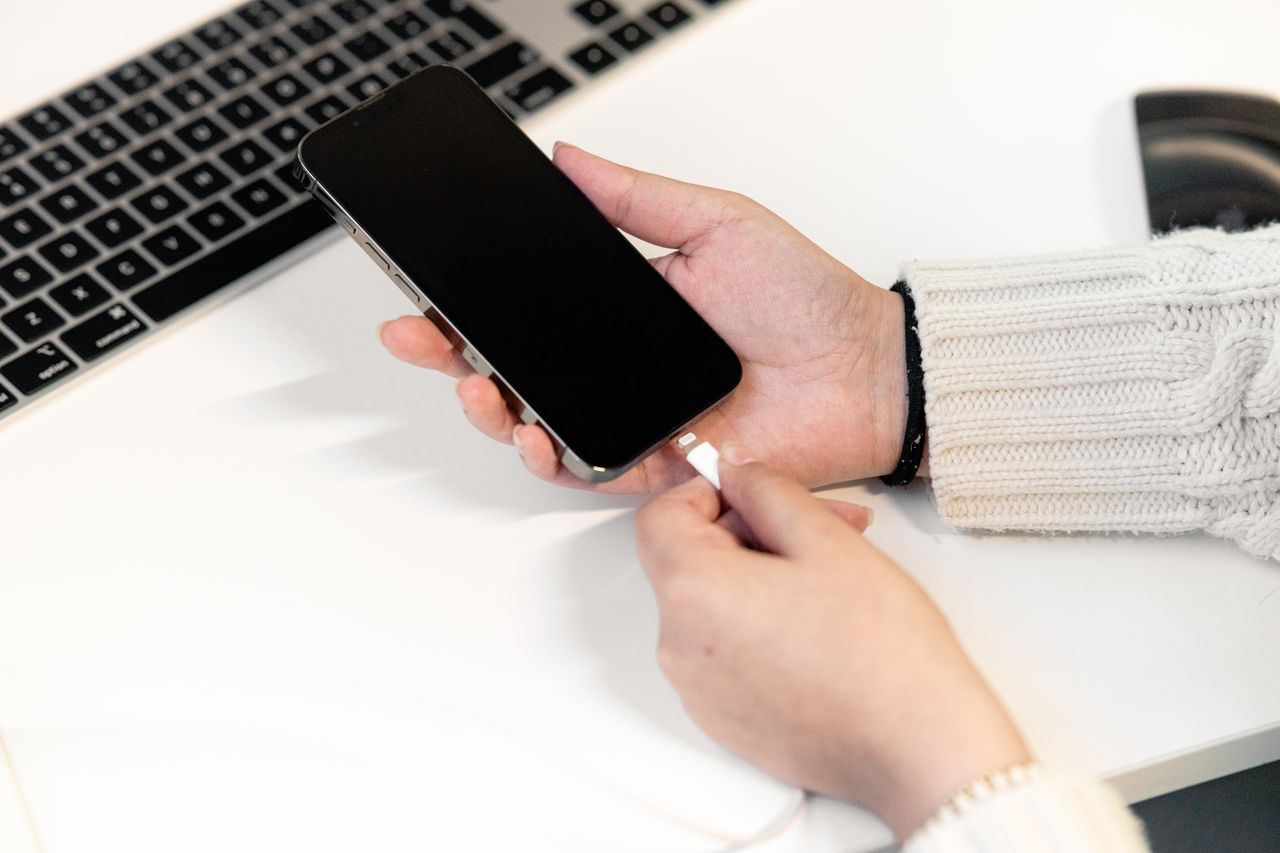
Fast charging feels like a small miracle. Plug in your phone for a quick coffee break and you walk away with half a battery. Some phones can go from nearly empty to full in well under an hour. But almost everyone who uses it eventually asks the same question: is all that speed bad for my battery?
The internet is full of conflicting answers. Some people swear fast charging ruined their last phone. Others say it makes no difference at all. Phone makers advertise ever higher wattage numbers, while also adding features that deliberately slow charging down. No wonder it’s confusing.
Here, we’ll explain how fast charging actually works, why heat matters more than speed, what those watt numbers really mean, which chargers and cables to use, and simple habits that help your battery stay healthy for longer. No chemistry degree required.
📋 Table of Contents
- How phone charging works, in plain English
- Why fast charging slows down as the battery fills
- Is fast charging bad for your battery?
- Understanding charging standards
- Choosing the right charger and cable
- Features that protect your battery
- Habits that actually help your battery
- Wired vs wireless: which is better for battery health?
- Warning signs to take seriously
- Frequently asked questions
- The bottom line
Before we begin, it’s worth saying that battery anxiety is common and completely understandable. A phone battery is one of the few parts that visibly wears out, and nobody wants to replace a phone early because of it. Luckily, the habits that protect your battery are simple, and most of them are things your phone can handle automatically once you turn on the right settings.
How phone charging works, in plain English
Your phone has a lithium-ion battery. Charging it means pushing energy into the battery, and the amount of power is measured in watts. Watts depend on two things: voltage and current. A higher voltage or a higher current means more power and faster charging.
Old phone chargers delivered about 5 watts. Modern fast chargers can deliver 20, 30, 45, 65 watts or even more, depending on the phone. But here’s the key point: your phone, not the charger, decides how much power to accept. The charger offers what it can, and the phone’s charging circuitry negotiates the right amount based on the battery’s current state and temperature.
That negotiation is why you can safely plug a phone into a powerful laptop charger. A good charger won’t force more power into the phone than it asks for.
Think of it like filling a glass with water from a jug. The charger is the jug, holding plenty of water, and the phone controls how fast it pours. A bigger jug doesn’t mean the glass overflows, because the phone is in charge of pouring. This is why charger wattage is a maximum, not a guarantee, and why a well-designed charging system is so important.
Why fast charging slows down as the battery fills
If you watch your phone charge, you’ll notice that it’s fastest at the beginning. The first 50 percent might come in a flash, while the last 20 percent takes much longer. This is completely normal and intentional.
A lithium-ion battery can safely accept high power when it’s low. As it fills up, the internal voltage rises and the battery becomes more sensitive. To protect it, the phone gradually lowers the charging speed. The final stretch from about 80 to 100 percent is deliberately slow.
This is why charging claims are usually stated as something like 50 percent in 30 minutes, rather than full in a certain time. The early speed is where fast charging really shines.
This tapering is also why a 30 minute charge from 10 percent gives you much more than a 30 minute charge from 70 percent. If you only have a short window, it’s often more useful to plug in when the battery is low. And it explains why that final percentage point sometimes seems to take forever. The phone is being careful, not broken.
Temperature affects this curve too. If your phone is warm, it may charge more slowly from the very beginning, even at a low battery level. If it’s cool, it can usually sustain fast charging for longer. That’s one more reason to take the case off and keep the phone out of the sun while it charges.
Is fast charging bad for your battery?
The honest answer: fast charging itself isn’t the main problem. Heat is.
All batteries age over time and with use. Two of the biggest factors that speed up aging are high temperatures and spending a lot of time at very high charge levels, especially 100 percent. Fast charging can generate more heat than slow charging, so if a phone gets very hot during fast charging, especially repeatedly, the battery may age faster.
However, modern phones are designed with this in mind. They monitor battery temperature constantly and reduce charging speed when things get warm. Phone makers test their fast charging systems extensively, and their batteries are designed to handle the speeds they advertise.
So in practice:
- Using the fast charging your phone was designed for is generally fine.
- What matters more is avoiding excessive heat while charging.
- How you use your phone during charging, and where you charge it, can matter as much as the charger itself.
If you’re not in a hurry, slower charging is slightly gentler, which is why many phones automatically slow down overnight. But you shouldn’t feel guilty about using fast charging when you need it.
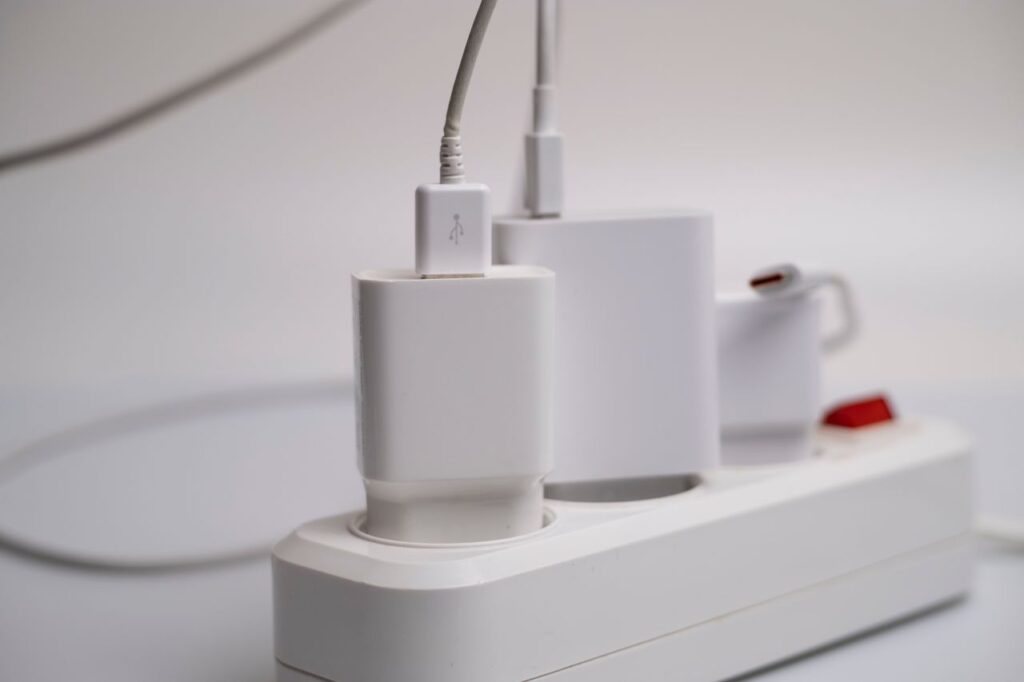
There’s also an important difference between occasional and constant behavior. Fast charging your phone once in the morning before work, then letting it rest, is very different from fast charging it while gaming every evening in a hot room. The first is completely normal. The second creates the kind of sustained heat that slowly takes a toll on any battery, whether it charges fast or slow.
If you really want to be gentle with your battery, a simple compromise is to use fast charging when you need speed and a slower charger, like a lower wattage adapter or a computer USB port, when you have plenty of time, such as overnight or at your desk. Your phone will charge more slowly and stay cooler.
Understanding charging standards
Not every fast charger works with every phone at full speed. Charging speeds depend on the standards the charger and phone both support.
USB Power Delivery
USB Power Delivery, often shortened to USB PD, is the most widely used fast charging standard today. iPhones use it for wired fast charging, as do Google Pixel phones and many other Android phones. A USB-C charger that supports USB PD is a good universal choice.
PPS
Programmable Power Supply, or PPS, is an extension of USB PD that allows finer control of voltage and current. Samsung’s fastest charging modes rely on PPS. If you have a recent Samsung Galaxy and want its maximum charging speed, look for a charger that supports PPS at the right wattage.
Proprietary standards
Some brands, such as OnePlus, Xiaomi, OPPO and others, use their own fast charging technologies that reach very high speeds only with their own chargers and cables. With a standard USB PD charger, these phones still charge, but usually more slowly than the advertised maximum.
Qi and wireless charging
Wireless charging uses the Qi standard and its newer versions. It’s convenient but generally less efficient than wired charging, which means more heat. Magnetic wireless chargers on iPhones and compatible Android phones align the phone correctly, which helps efficiency.
You don’t need to memorize these standards. The practical takeaway is to check which one your phone uses before buying a charger. A quick search for your phone model and the words charging standard or charging wattage usually gives you a clear answer, often from the manufacturer itself.
Choosing the right charger and cable
Check what your phone supports
Look up your phone’s maximum charging wattage and charging standard. Buying a charger far more powerful than your phone can use won’t hurt it, but it won’t make it charge faster either.
Buy from reputable brands
Cheap, unbranded chargers may not properly regulate power, may lack safety protections and may overheat. Stick with chargers from your phone’s manufacturer or well-known accessory brands. Look for safety certifications appropriate to your region.
Don’t forget the cable
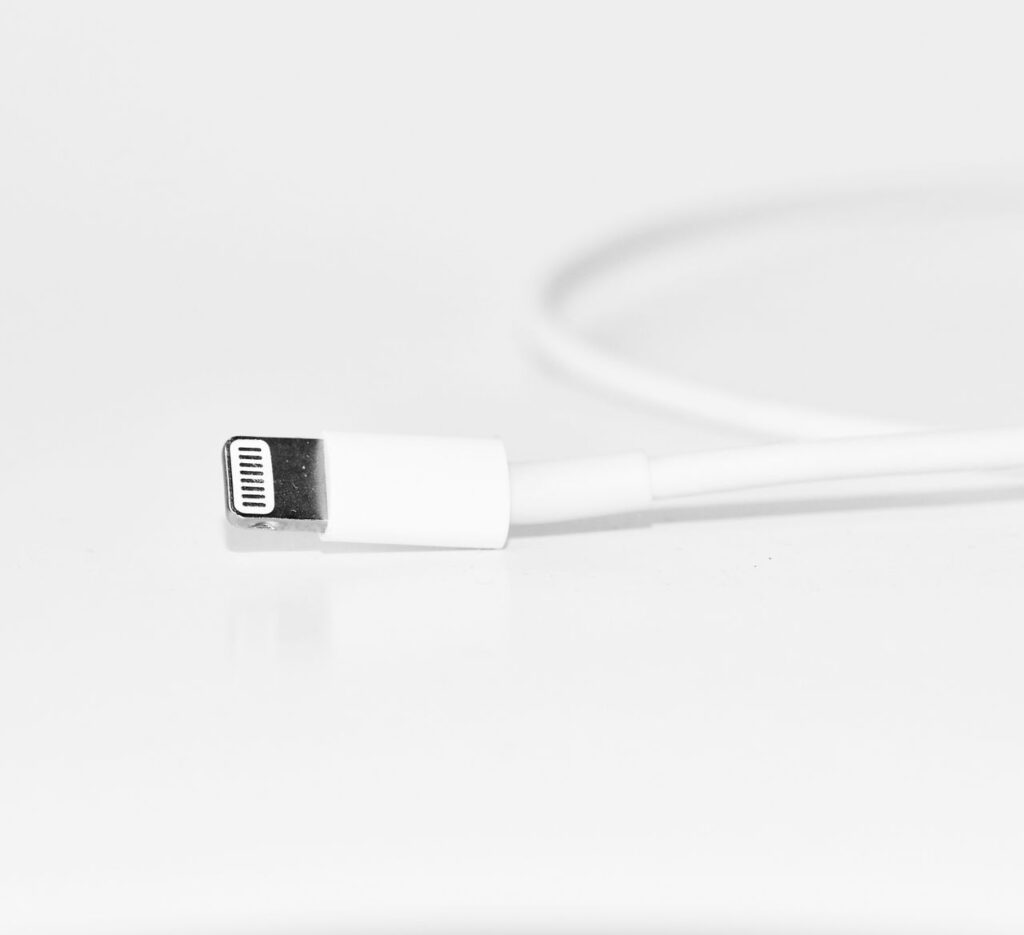
The cable matters too. High-wattage charging needs a cable rated for that power. A cheap or damaged cable can limit speed or become a safety risk. If your phone suddenly charges slowly, try a different cable before blaming the charger or phone.
Multi-port chargers
Chargers with several ports share their total power between devices. A 65 watt charger with two ports might deliver less to your phone when a laptop is also plugged in. Check the charger’s specifications for how power is divided.
When comparing chargers online, look carefully at the specifications rather than the headline number on the box. A charger may say 65 watts, but deliver that only through one port, or only with a particular voltage. The detailed specifications list the actual outputs and standards supported, which tell you far more about how it will work with your phone.
Features that protect your battery
Phone makers know that time spent at 100 percent wears batteries. That’s why most phones now include features to reduce it.
On iPhone: Optimized Battery Charging learns your daily routine and pauses charging at 80 percent overnight, finishing just before you usually unplug. Newer iPhones also offer a charging limit option, such as 80 percent, under Settings, then Battery, then Charging.
On Samsung phones: look for Battery protection under battery settings. Depending on your model and software, you can choose options like stopping at 80 percent or adaptive protection that learns your routine.
On Google Pixel phones: Adaptive Charging slows charging overnight to finish just before your alarm, and newer Pixel models include charging optimization options, including a limit near 80 percent.
On other Android phones: many brands offer similar options, often called smart charging, optimized charging or battery protection.
If you mostly charge overnight and rarely need 100 percent, turning on these features is one of the best things you can do for your battery’s long-term health.
These features may occasionally surprise you. You might wake up to a phone sitting at 80 percent, or notice that it seems to pause charging for a while. That’s the feature doing its job. If you know you need a full battery for a long day, you can usually tap the notification and choose to charge to full right away.
Habits that actually help your battery
You don’t need to obsess over charging, but a few habits make a real difference over time.
- Keep your phone cool while charging. Avoid charging in direct sunlight, under a pillow or on a hot car dashboard.
- Remove thick cases during fast charging if your phone gets warm.
- Avoid heavy use while fast charging. Gaming or video calls while charging at high speed can make the phone hot.
- Use battery protection features that limit charging to around 80 percent when you don’t need a full battery.
- Don’t let the battery hit zero regularly. Frequent deep discharges are harder on lithium-ion batteries.
- Partial charges are fine. Topping up from 40 to 70 percent is perfectly healthy. You don’t need to charge from zero to 100.
- Store unused phones at around 50 percent if you won’t use them for a long time.
None of these habits require perfection. If you sometimes charge to 100 percent, use your phone while it charges or let it drop to 5 percent on a busy day, that’s fine. Batteries are designed for real life. What matters is the overall pattern over months and years, not any single day.
Wired vs wireless: which is better for battery health?
Wireless charging is convenient, but it’s less efficient than wired charging, and more of the energy turns into heat. Modern wireless chargers and phones manage this well, and occasional wireless charging is perfectly fine.
If you use wireless charging every night, consider a charger with a built-in fan or a stand that allows airflow, make sure the phone is properly aligned, and remove thick cases. Many phones also slow wireless charging overnight automatically.
If battery longevity is your top priority, a moderate wired charge with battery protection features turned on is the gentlest option.
A useful compromise for wireless charging fans is to use it during the day, when you’re at a desk and topping up for short periods, and switch to a slower wired charger overnight. You keep the convenience when you want it and give your battery a gentler routine during the long overnight charge.
Battery packs and car chargers deserve a quick mention too. Many of them support fast charging, but in a car, the phone may already be warm from sitting in the sun or running navigation. Placing it where air from the vents can reach it, rather than on a sunny dashboard, helps it charge faster and stay cooler.
Warning signs to take seriously
While normal charging warmth is fine, some signs mean you should stop and check things:
- The phone or charger becomes too hot to hold comfortably.
- The charger or cable smells of burning or shows melted plastic.
- The phone shows a charging paused due to temperature message frequently.
- The phone’s back or screen bulges, which can indicate a swollen battery.
- Charging connects and disconnects repeatedly.
If you notice any of these, unplug the phone, stop using that charger or cable and have the phone checked if the problem continues. A swollen battery is a safety risk and should be replaced by a professional.
Most of the time, though, warmth during charging is nothing to worry about. A phone that feels pleasantly warm to the touch while fast charging is behaving normally. It’s only when the heat becomes uncomfortable, or is combined with any of the other signs above, that you should take action.
If your phone gets very hot while charging, unplug it and let it cool gradually. Our guide on how to cool down a hot phone fast walks you through exactly what to do, and this overheating guide explains how to prevent it.
Frequently asked questions
Can I use a laptop charger to charge my phone?
Usually yes, if both use USB-C and support USB Power Delivery. The phone only accepts the power it needs, so a higher wattage laptop charger won’t harm it.
Is it bad to charge my phone overnight?
Not with modern phones. They stop charging when full and many use optimized charging to wait at 80 percent until shortly before you wake up. Keep the phone somewhere cool, not under a pillow.
Why does my phone charge slowly sometimes?
Common reasons include a weak charger, a damaged or low-rated cable, lint in the charging port, high temperature, heavy use while charging, or optimized charging pausing at 80 percent.
Do I need to buy the official charger?
Not necessarily. A quality charger from a reputable brand that supports your phone’s charging standard works well. Avoid cheap unbranded chargers.
Does fast charging work with any cable?
No. Fast charging needs a cable rated for the required power. Higher wattage charging often needs a specific type of USB-C cable.
Should I charge to 100 percent?
It’s fine when you need maximum battery life for a long day. For everyday use, limiting charging to around 80 percent or using optimized charging is gentler on the battery over time.
The bottom line
Fast charging is safe for modern phones when used as intended. The real enemy of battery health is heat, along with spending long periods at 100 percent. Use a quality charger and cable, keep your phone cool while it charges, turn on the battery protection features your phone offers, and don’t stress about topping up whenever it’s convenient. Your battery will age, as all batteries do, but these simple habits help it stay healthy for as long as possible.
In the end, your phone battery is a consumable part, much like the tires on a car. It will wear out eventually no matter what you do. But just as smooth driving and proper tire pressure make tires last longer, a cool phone and sensible charging habits make your battery last noticeably longer, often by a year or more.