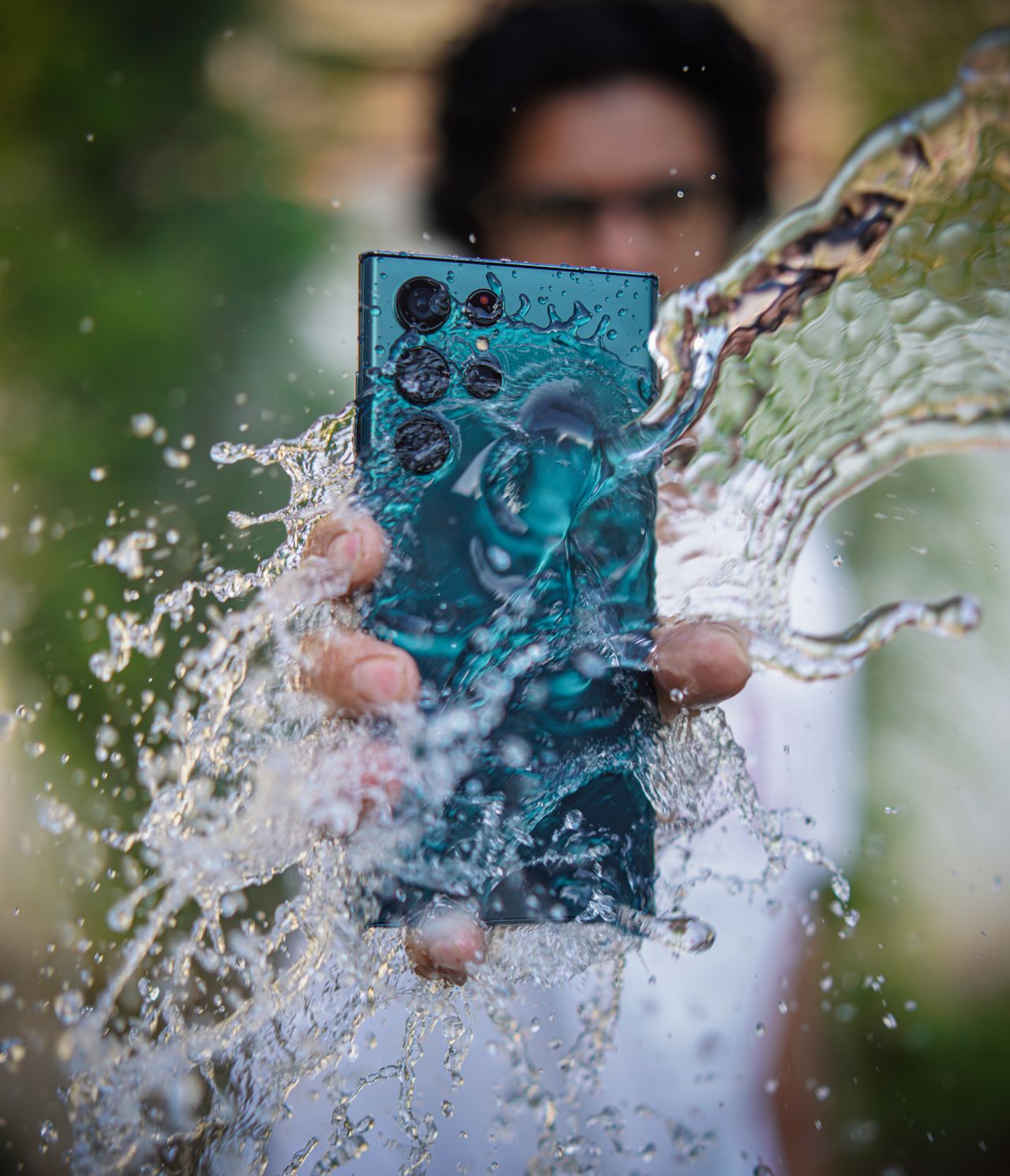
It happens in a split second. The phone slips off the edge of the sink, tumbles into the pool, gets caught in a sudden downpour or meets a full glass of juice. Your heart drops, you grab it as fast as you can and then you wonder: what now?
The actions you take in the first few minutes and hours can make a real difference to whether your phone survives without problems. Unfortunately, some of the most popular advice, like putting the phone in a bag of rice or drying it with a hair dryer, can do more harm than good.
In this guide, we’ll walk through exactly what to do when your phone gets wet, step by step, what to avoid, how to deal with moisture warnings, what water resistance ratings really mean and when to get professional help. Stay calm, and let’s get your phone dry.
📋 Table of Contents
- Step 1: Get it out of the liquid immediately
- Step 2: Turn it off, and don’t charge it
- Step 3: Remove the case and accessories
- Step 4: Dry the outside gently
- Step 5: Let it air dry
- What not to do
- If it was salt water, a sugary drink or something else
- Understanding moisture warnings
- What water resistance ratings really mean
- After drying: check that everything works
- When to get professional help
- Protect your data
- Frequently asked questions
- Final thoughts
Before we start, take a breath. Many phones survive water accidents, especially modern ones with water resistance. Panicking leads to rushed decisions, like turning the phone on repeatedly or plugging it in to see if it still works. Slow and steady is the right approach here.
Step 1: Get it out of the liquid immediately
Every second counts. Remove the phone from water as quickly as possible. The longer it stays submerged, the more likely water is to find its way inside, especially past seals that have aged or been damaged.
If the phone fell into something other than plain water, like salt water, a sugary drink, soap or chlorinated pool water, take note. These liquids can be more damaging than fresh water, and you’ll handle them slightly differently, as explained below.
Speed matters even for water-resistant phones. Water resistance is tested in controlled conditions for limited times. In real life, a phone that has been dropped before, that has a cracked back or that has been repaired may not resist water as well as it did when new.
Step 2: Turn it off, and don’t charge it
If the phone is still on, it’s usually best to turn it off, especially if it’s not water resistant or if it was submerged for a while. Water and electricity don’t mix, and shutting down reduces the risk of a short circuit while liquid is inside.
Most importantly:
- Don’t plug it in to charge. A wet charging port combined with electricity can cause corrosion or short circuits.
- Don’t press buttons repeatedly to check if it works. Pressing buttons can push water further inside.
- Don’t connect headphones or accessories to the ports.
If your phone is water resistant and only got a light splash, it may be fine to leave it on. But if you’re unsure, turning it off is the safer choice.
If the phone is not responding at all, do not keep trying to turn it on or off. Simply move on to the next steps and let it dry. A phone that is off, dry and patient has the best chance of recovering.
Step 3: Remove the case and accessories
Take the phone out of its case. Cases trap water against the phone and slow down drying. Remove any screen protector edges that seem to be holding water, any pop sockets or magnetic accessories, and the SIM tray if your phone has one, using the SIM tool or a paperclip. Leave the SIM tray out while the phone dries so air can circulate.
Keep the SIM tray and card somewhere safe while the phone dries, ideally on a dry cloth next to the phone so you do not lose them. Wipe the SIM card gently with a dry cloth if it looks wet. SIM cards are quite resilient and usually survive water exposure without any problems.
Step 4: Dry the outside gently
Use a soft, lint-free cloth, like a microfiber cloth or a cotton towel, to wipe the outside of the phone. Pat the screen, back and edges dry.
To help water drain from the ports:
- Hold the phone with the charging port facing down.
- Tap it gently against the palm of your hand to let water drip out.
- Do the same for speaker grilles and any other openings.
Don’t shake it violently, which can spread water around inside.
If water has gotten under a screen protector, you may see bubbles or a cloudy layer. In that case, carefully peel the protector off and replace it later with a new one. Trapped water under a protector dries very slowly and can leave marks if left in place.
Step 5: Let it air dry
Now comes the part that requires patience. Place the phone in a dry area with good airflow. A spot near a fan set to cool, or simply on a dry towel in a well-ventilated room, works well. Prop it up so the ports face down, allowing gravity to help.
Let it dry for at least 24 hours, and ideally 48 hours if it was fully submerged. It’s tempting to check every hour, but turning it on too early risks damage if moisture remains inside.
A dry, warm room, not hot, is ideal. If you live in a humid climate, a room with air conditioning or a dehumidifier can speed up drying. Some people place the phone in a sealed container with silica gel packets, the small packets often found in shoe boxes and vitamin bottles, which absorb moisture more effectively than rice and do not leave dust behind.
What not to do
Some common advice can actually make things worse.
Don’t put it in rice
The rice trick is one of the most widespread pieces of phone advice, but it’s not recommended. Apple specifically advises against it. Rice isn’t particularly effective at drawing moisture out of a sealed phone, and small grains and starch dust can get into the ports and cause new problems. Open air with good circulation is generally better.
Don’t use heat
Avoid hair dryers, ovens, microwaves, radiators and direct sunlight. Heat can damage the battery, warp components, weaken adhesives and seals, and push moisture deeper inside rather than removing it.
Don’t insert anything into the ports
Don’t use cotton swabs, tissues or paper towels inside the charging port or speaker openings. Fibers can get stuck and you can damage delicate pins.
Don’t blow compressed air directly into it
Strong blasts of compressed air can push water deeper into the phone. If you use air, keep it gentle and at a distance, or simply rely on a fan.
Don’t charge it until it’s dry
This is worth repeating. Charging a wet phone is one of the most common ways to turn minor water exposure into permanent damage.
It is completely understandable to want to do something active in this moment. Doing nothing and waiting feels wrong when your phone is in trouble. But in this case, patience genuinely is the best action. Most damage from water accidents comes from what people do in the first hour, not from the water itself.
If it was salt water, a sugary drink or something else
Salt water, soft drinks, juice, coffee and other liquids leave residue that can corrode the inside of your phone or make buttons sticky.
If your phone is water resistant, many manufacturers recommend rinsing it gently with clean fresh water after exposure to these liquids, then drying it as described above. Check your phone manufacturer’s guidance for your specific model, because recommendations vary.
If your phone is not water resistant, don’t rinse it. Dry it as best you can and consider taking it to a professional, since residue inside may need cleaning.
Understanding moisture warnings
Many phones detect moisture in the charging port and block wired charging until it’s dry.
- Samsung and some other Android phones may display a Moisture detected warning with a water drop icon.
- iPhones may show a Liquid Detected alert for the charging connector.
These warnings are protective. Unplug the cable and wait for the port to dry, which can take from 30 minutes to several hours. Wireless charging may still be possible if your phone supports it, but it’s safest to wait until the phone is fully dry if it was submerged.
Avoid using emergency override options unless absolutely necessary, as charging with moisture present can cause corrosion.
Phones exposed to pool water deserve a little extra attention as well. Chlorine and other pool chemicals can affect seals and leave residue. If your phone is water resistant and your manufacturer recommends it, a gentle rinse with fresh tap water followed by careful drying is usually the best course of action.
What water resistance ratings really mean
Many modern phones have an IP rating, such as IP67 or IP68. The second number refers to water resistance:
- IP67: tested to withstand immersion in up to 1 meter of fresh water for up to 30 minutes.
- IP68: tested for deeper or longer immersion, with the exact depth and time specified by the manufacturer.
It’s important to understand the limits:
- Ratings are based on laboratory tests with fresh water, not salt water, pool water, soap or hot water.
- Water resistance decreases over time as seals wear, especially after drops or repairs.
- Water resistance is not waterproofing. Swimming, diving, showering and water sports can exceed the tested conditions.
- Liquid damage is often not covered by warranty, even on water-resistant phones.
So a high rating improves your chances, but it’s not a guarantee.
After drying: check that everything works
Once you’ve waited at least 24 to 48 hours, turn your phone on and check:
- The screen: look for spots, lines, discoloration or flickering.
- Touch response: make sure the touchscreen works across the whole display.
- Speakers and microphone: play audio and make a test call or record a voice note.
- Cameras: check for fog or water spots inside the lens.
- Buttons: make sure they click and respond normally.
- Charging: once you’re confident the port is dry, try charging with a known good cable.
- Face ID or fingerprint sensor.
If sound seems muffled, water may still be in the speaker. Some phones and apps can play tones designed to push water out of the speaker grille, and Apple Watch has a built-in water lock feature. Otherwise, more drying time usually helps.
Pay attention over the following weeks, too. Corrosion inside a phone can develop slowly, so problems sometimes appear days or even weeks after the accident. If your phone starts behaving strangely, such as random restarts, battery issues or flickering, mention the water exposure to the repair technician.
When to get professional help
Take your phone to an authorized service provider or a reputable repair shop if:
- It won’t turn on after drying.
- The screen shows damage, lines or spots.
- The phone gets hot, especially while charging.
- Sound, cameras or buttons don’t work properly.
- It was exposed to salt water or sugary liquids and isn’t water resistant.
- There’s fog inside the camera lens that doesn’t clear.
Professionals can open the phone, clean corrosion and replace damaged parts. The sooner you get help, the better the chances, because corrosion continues over time.
If your phone is insured, contact your insurer early, as some policies require you to report incidents promptly.
A practical tip for the future: if you often use your phone near water, at the beach, by the pool or on boats, consider a waterproof pouch or a rugged case designed for water activities. They cost far less than a repair and let you take photos and answer messages without worrying about splashes or drops.
Protect your data
If your phone survives, use this as a reminder to make sure your backups are up to date. If it doesn’t survive, your backups are what let you recover your photos, messages and contacts on a new phone. Turn on automatic backups through Google or iCloud if you haven’t already.
Frequently asked questions
Does putting a wet phone in rice work?
It’s not recommended. Apple advises against it, and rice can leave dust and particles in the ports. Air drying with good airflow is a better approach.
How long should I wait before turning my phone back on?
At least 24 hours, ideally 48 hours if the phone was fully submerged. If it’s water resistant and only got splashed, it may be fine sooner, but caution is wise.
My phone is IP68. Can I use it underwater?
IP68 means it passed specific lab tests in fresh water. It’s designed to survive accidents, not regular underwater use. Water damage may not be covered by warranty.
Why is my phone’s sound muffled after getting wet?
Water may be trapped in the speaker or microphone openings. Let it dry longer with the openings facing down. Sound usually returns once the water evaporates.
Can I charge my phone wirelessly if the port is wet?
Some manufacturers say wireless charging may be used when moisture is detected in the port, but if the phone was submerged, it’s safest to wait until it’s completely dry.
Will my warranty cover water damage?
Often not. Most standard warranties exclude liquid damage, even for water-resistant phones. Check your warranty and any insurance or extended protection plans.
This is also a good moment to think about insurance or extended protection. If water accidents seem to happen often in your household, especially with children, a protection plan that covers accidental damage may save money in the long run. Read the terms carefully, since coverage and deductibles vary a lot.
Final thoughts
If your phone gets wet, act quickly but calmly. Get it out of the liquid, turn it off, don’t charge it, remove the case and SIM tray, dry the outside and let it air dry for at least a day in a well-ventilated spot. Skip the rice and the hair dryer. Check everything carefully before charging, and get professional help if anything seems wrong. With a bit of patience and the right steps, many phones recover from water accidents just fine.
Leave a Reply